All Modpacks
Boosted FPS (Performance Optimized) (FG)
ForgeMC 1.20.1TechVanilla+Small / Light

Boosted FPS (Performance Optimized) (FG)

by GamerPotion

FPS Boosting Modpack Featuring Performance Mods on Forge 1.20.1 Latest

703.8K downloads
Created Mar 20, 2022
Updated Mar 9, 2025

About Boosted FPS (Performance Optimized) (FG)

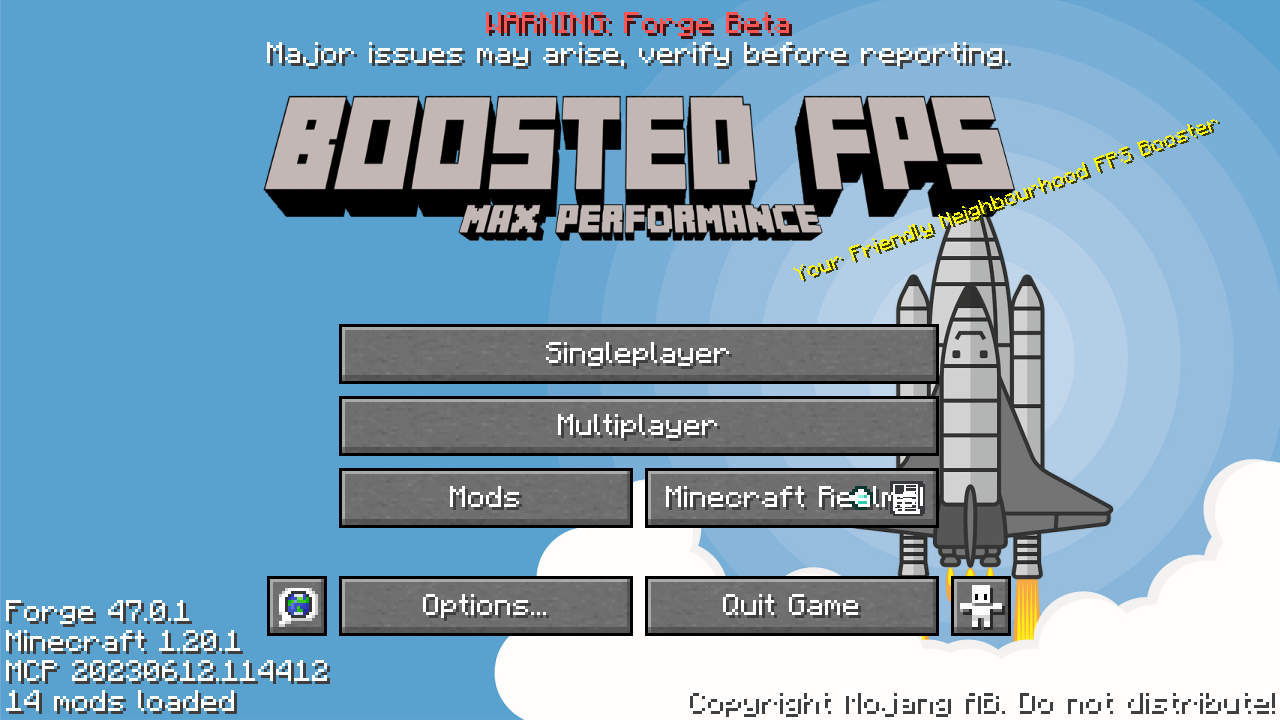
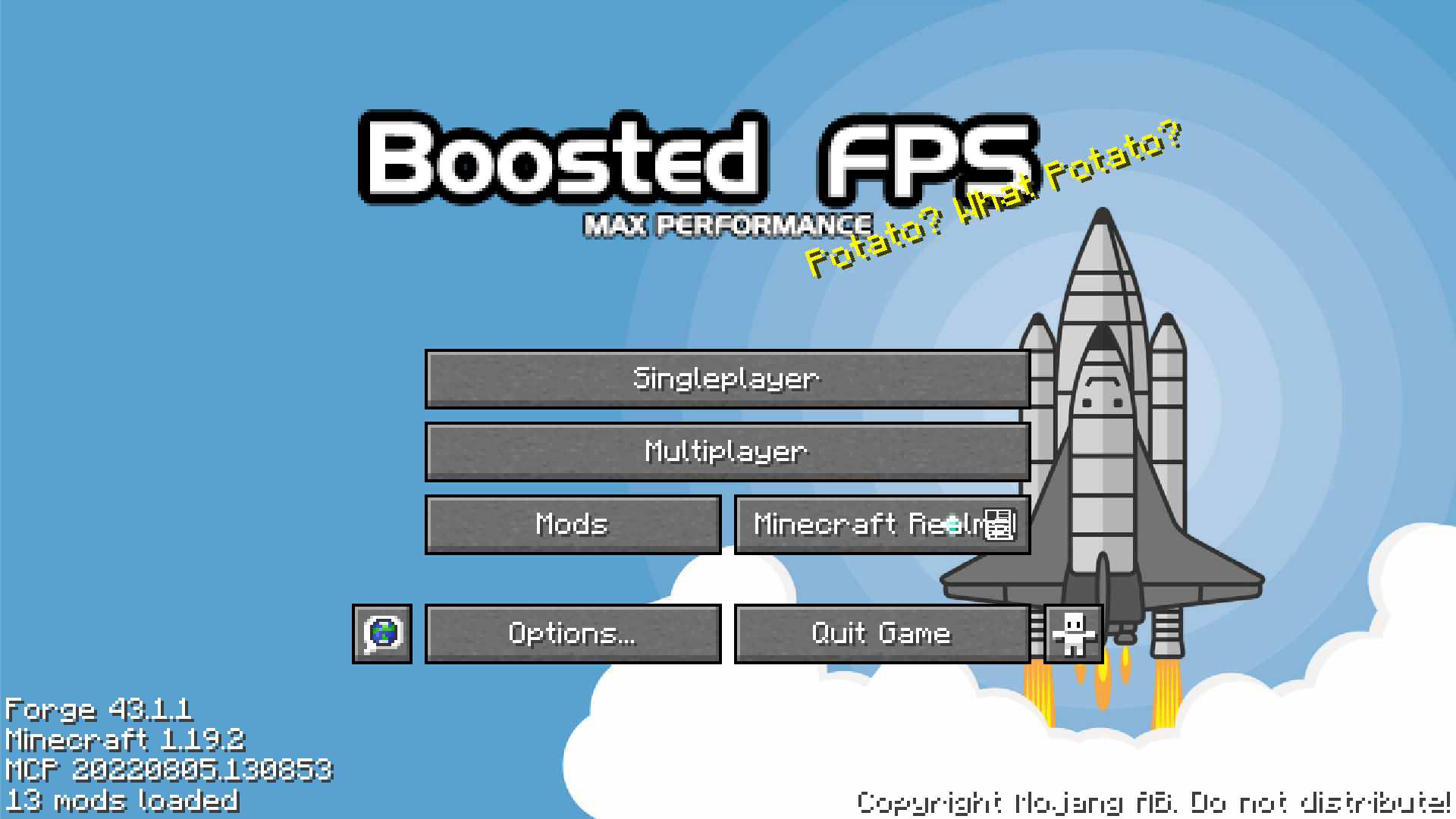
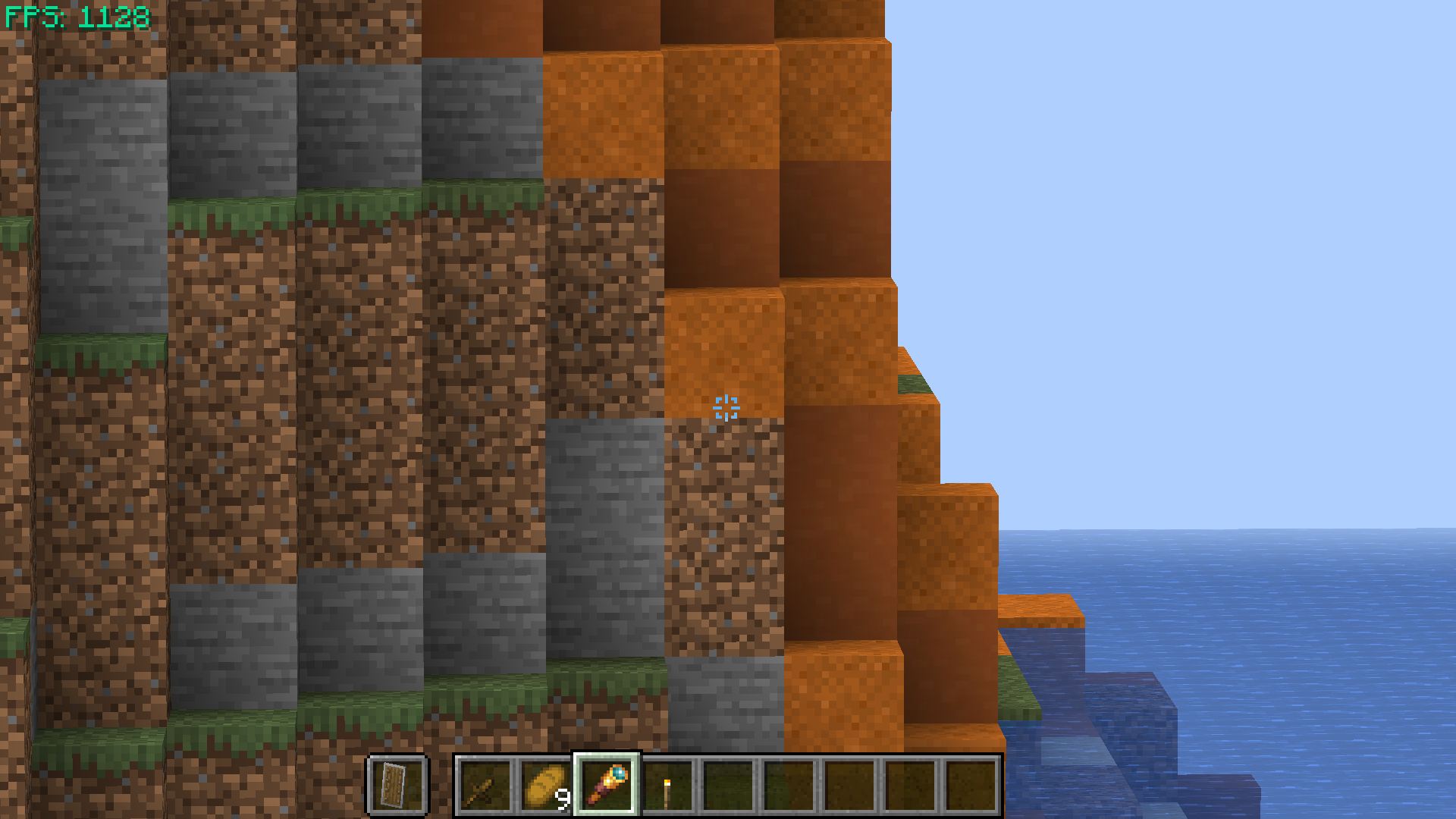
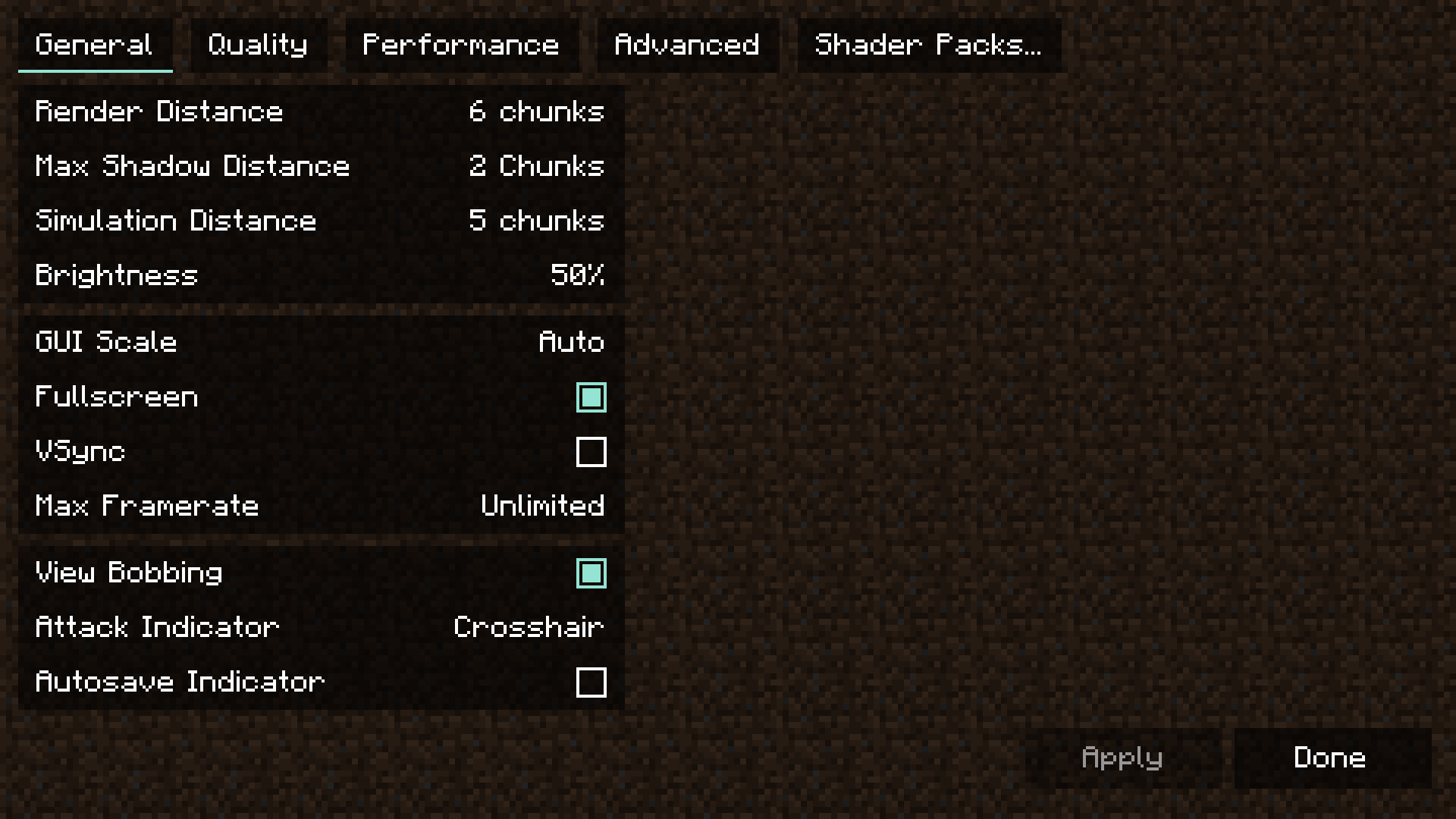
Forge Based Modpack featuring Performance Based Mods and Tweaks to make your Minecraft game run better and faster! Sodium & OptiFine are both supported (read config below). This pack now supports 1.12.2, 1.16.5, 1.18.2, 1.19.4, 1.20.1 of the Forge Editions. For the Fabric version go here: https://www.curseforge.com/minecraft/modpacks/boosted-fps For the NeoForge version go here: https://www.curseforge.com/minecraft/modpacks/boosted-fps-neoforge For the Quilt version go here: https://www.curseforge.com/minecraft/modpacks/boosted-fps-quilt For the RPG version go here: https://www.curseforge.com/minecraft/modpacks/boosted-fps-rpg (Your Vanilla Experiences will be further improved thanks to the following features) Latest update - Enjoy the latest update with mods! FPS performance boosts thanks to Sodium port and other performance enhancing mods. Most of the Forge performance based mods are included in this pack. Mod Config - Shows a Mods button in game menu to list mods installed (Mods settings can also be configured here) Additional QoL (Quality of Life) mods to make your Minecraft game experience more enjoyable. Hypixel Ready - Hypixel sever pre-loaded, just install and play! Vanilla (No Mods) FPS: Boosted FPS Modpack: Render Distance has been set to a low value (example 4) to maximize FPS. Increase this to 8 or higher to see more distance. You can change this in Options / Video Settings / General / Render Distance. Getting higher FPS than your refresh rate or seeing screen tearing? Turn on VSync in Options / Video Settings / General OPTIFINE: If you want to use OptiFine with this pack, you will have to disable the Embeddium (Rubidium previously) & Oculus mods. Visit this guide for more information on how to set it up. Get a server today and play with your friends! Click HERE or below banner & Use Code GAMERPOTION to get 25 off!

Screenshots

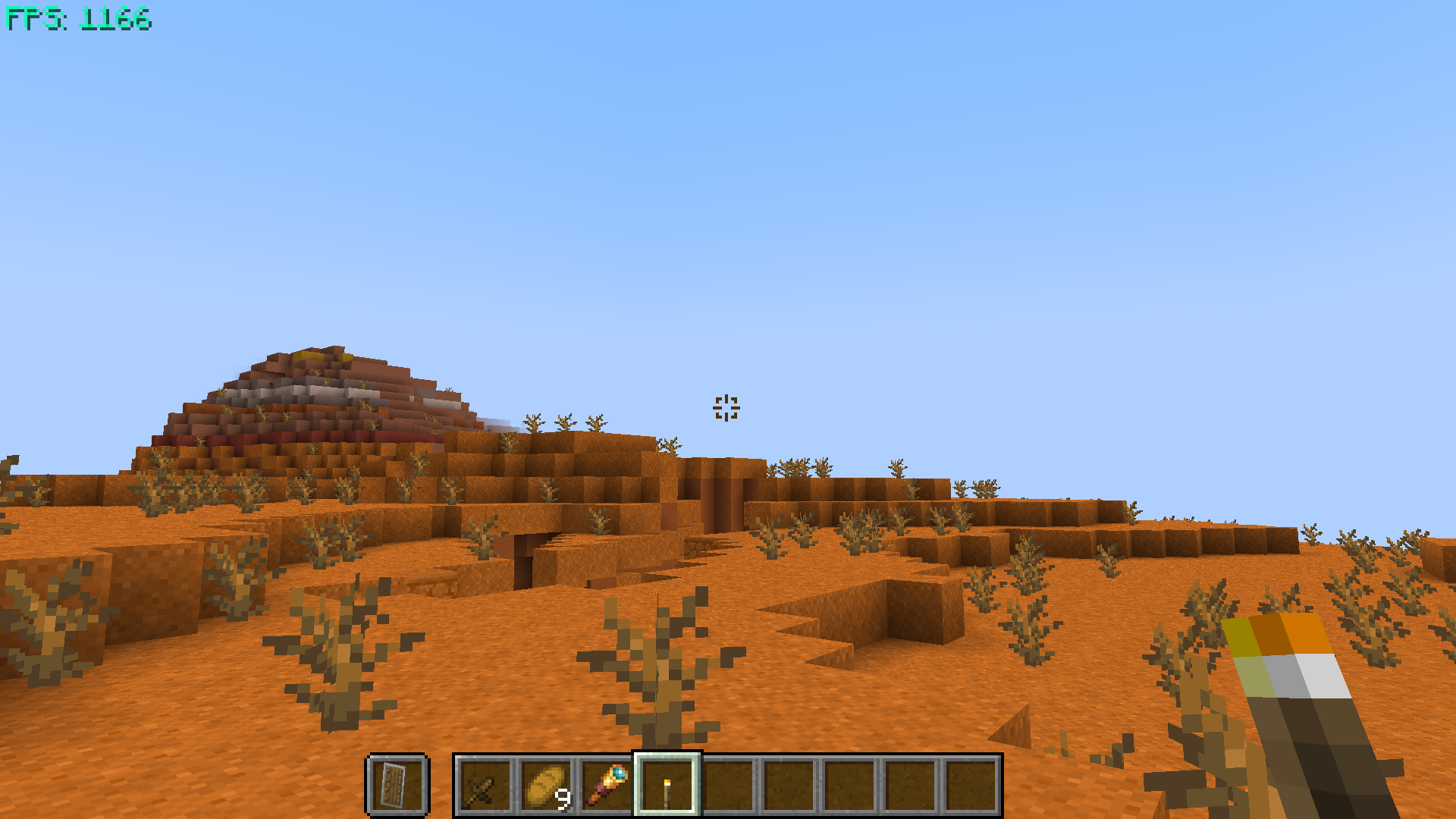
Boosted FPS (Performance Optimized) (FG) screenshot 1Boosted FPS (Performance Optimized) (FG) screenshot 2Boosted FPS (Performance Optimized) (FG) screenshot 3Boosted FPS (Performance Optimized) (FG) screenshot 4Boosted FPS (Performance Optimized) (FG) screenshot 5Boosted FPS (Performance Optimized) (FG) screenshot 6

Frequently Asked Questions

How much RAM do I need for Boosted FPS (Performance Optimized) (FG)?

We recommend at least 6-8GB of RAM for a small group. For 10+ players, allocate 10-12GB. Requirements increase with additional mods or plugins.

How do I install Boosted FPS (Performance Optimized) (FG) on my server?

With our hosting, select Boosted FPS (Performance Optimized) (FG) from the CurseForge library in your control panel. The modpack installs automatically with optimized Forge settings for 1.20.1.

Can I add more mods to Boosted FPS (Performance Optimized) (FG)?

Yes, you can add compatible Forge mods for 1.20.1 through the server file manager. Check mod compatibility before adding to avoid conflicts.

Comments (0)

Sign in to join the discussion

Host This Modpack

Deploy Boosted FPS (Performance Optimized) (FG) on a dedicated server with one-click installation, automatic updates, and optimized performance.

Get a Server
  • One-click Boosted FPS (Performance Optimized) (FG) installation
  • Dedicated CPU & RAM
  • NVMe SSD storage
  • DDoS protection included

Modpack Details

Mod Loader
Forge
Minecraft Version
1.20.1
Downloads
703.8K
Author
GamerPotion
Created
Mar 20, 2022
Last Updated
Mar 9, 2025

Recommended Specs

1-5 Players

6-8GB RAM

5-15 Players

10-12GB RAM

15+ Players

12-16GB RAM
Similar Modpacks