About Distant Horizons & Iris Shaders
A STABLE, and GUARANTEED WORKING modpack for Iris Shaders and Distant Horizons compatibility.
It is highly recommended you read through this description as it has fixes for common issues. Do not report bugs before doing so.
To celebrate the release of Distant Horizons 2.3, we have partnered up with Spark Hosting! Use one of their vast cheap plans to try out DH on a server!
Requirements: Before we begin, it is mandatory you increase your RAM allocation:
2GB - No, just No - This WILL crash your game, don't bother.
4GB - Minimum - Things will stutter slightly, although anything below 256 chunks should be fine.
6GB - Recommended - This is the optimum amount of RAM for Distant Horizons. This should be perfectly fine for playing with no to 20 light mods.
10GB - Careful - This much RAM can sometimes be a bad thing for the Java Garbage Collector. Only use this if you are using a heavy terrain generation mod such as JJThunder To The Max or Big Globe.
Note: Not every shader is compatible with Distant Horizons, even though it has come a long way, there are still a few shaders that don't support it. But most shaders will likely support Distant Horizons. Scroll down to see the full list of compatible shaders.
Good things you should know when using Iris & Distant Horizons
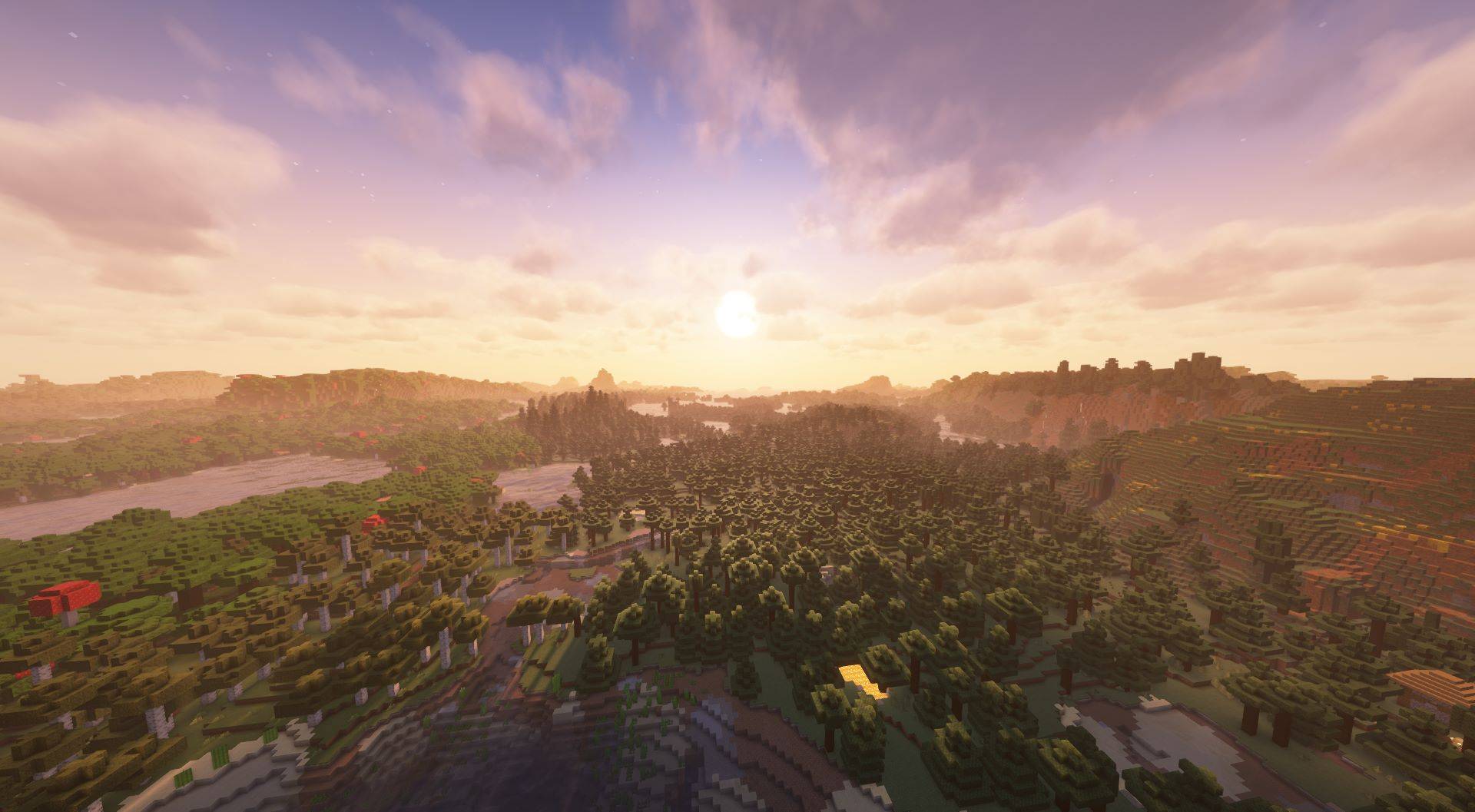
LODs are actually pregenerated chunks, but at a lower quality. Even though recent DH versions have drastically sped up the process, it can be very slow, especially when using high render distances.
Set the CPU load to I Paid For The Whole CPU in the Distant Horizons config to speed things up (Noisium and C2ME are added in this pack to help out significantly). Sadly, Distant Horizons is very CPU bound, so people with a weaker CPU will have to suffer with slow generation speeds.
As of Distant Horizons 2.3, you can now use DH on servers, allowing you to not need to explore thousands of chunks, yippee! However, any version of DH below 2.3 will require you to manually explore the chunks on your server, and if the server doesn't have DH on it, you will still need to manually explore them :(
It is always a good idea to keep your vanilla render distance relatively low when using Distant Horizons, anything more than 16 is not necessary.
For fast terrain generation, crank the CPU load and AFK, then come back, drop it down to minimal or low impact and play the game. Otherwise, just take screenshots.
Although DH has gone pretty efficient and less RAM intensive, using anything more than 320 chunks is probably not a good idea. Your RAM will be used up, and the game will start stuttering badly.
Any errors that say something about batching world generator timed out are normal, ignore them, hide the chat if they annoy you. Terrain is still loading despite that.
Shaders compatible with Distant Horizons & Iris (PUBLIC RELEASES)
Bliss Shaders: https://www.curseforge.com/minecraft/shaders/bliss-shader (Make sure to use 2.1.0+, do not use anything less as they don't have DH support).
BSL